v0.4.3 · macOS 14 or later · Free for 3 days, then $19 once for up to 3 Macs
Confirm your address. The Mac download link follows right after. Product updates are occasional, and you can unsubscribe anytime.
macOS 14+Apple siliconNative SwiftCamera data stays local
Product demo
PagesFileEditView10:24
Break in one minuteWrap up what you are doing. Then stand up.
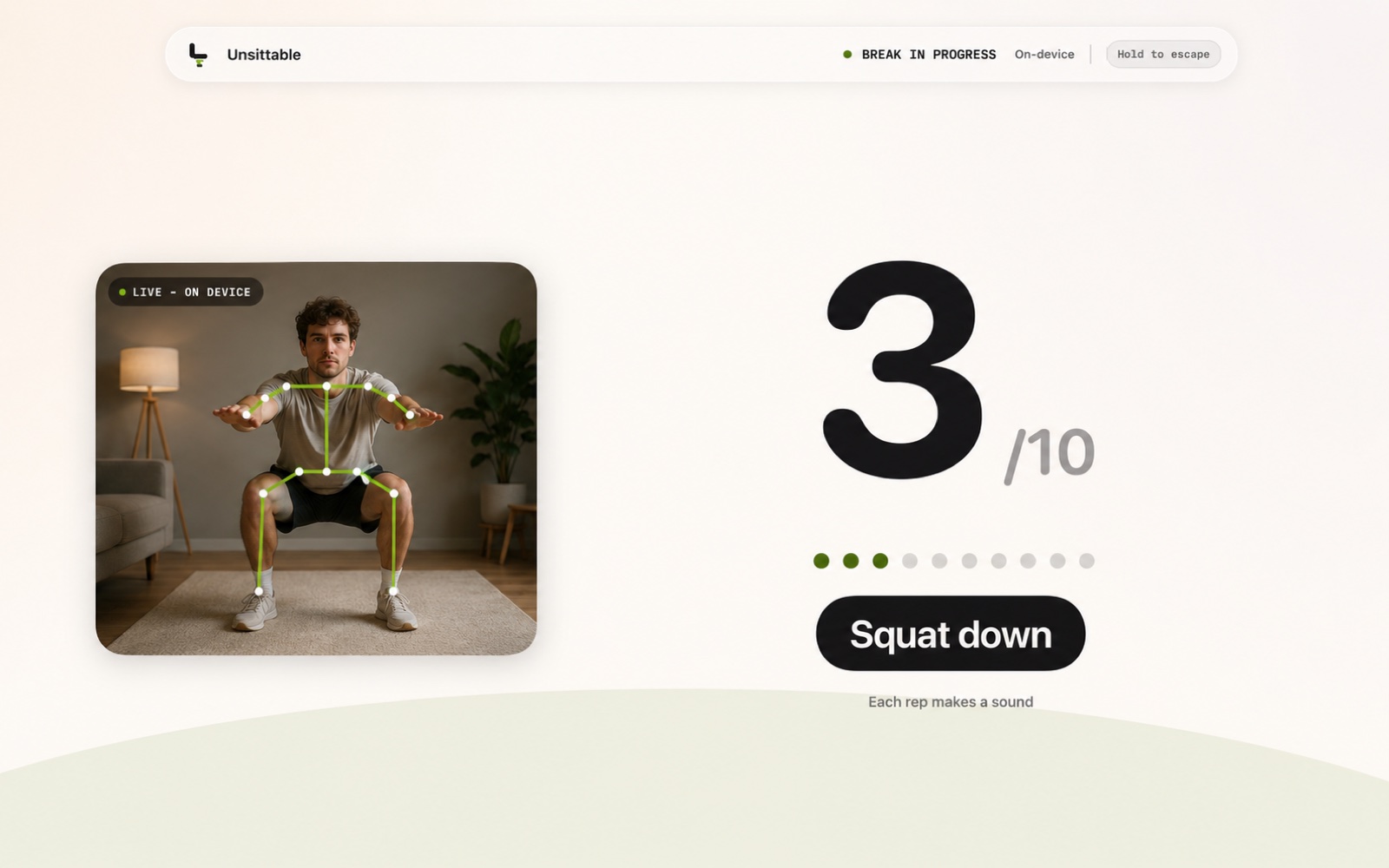
Unsittable Break in progressOn-deviceHold to escape
Time to move.
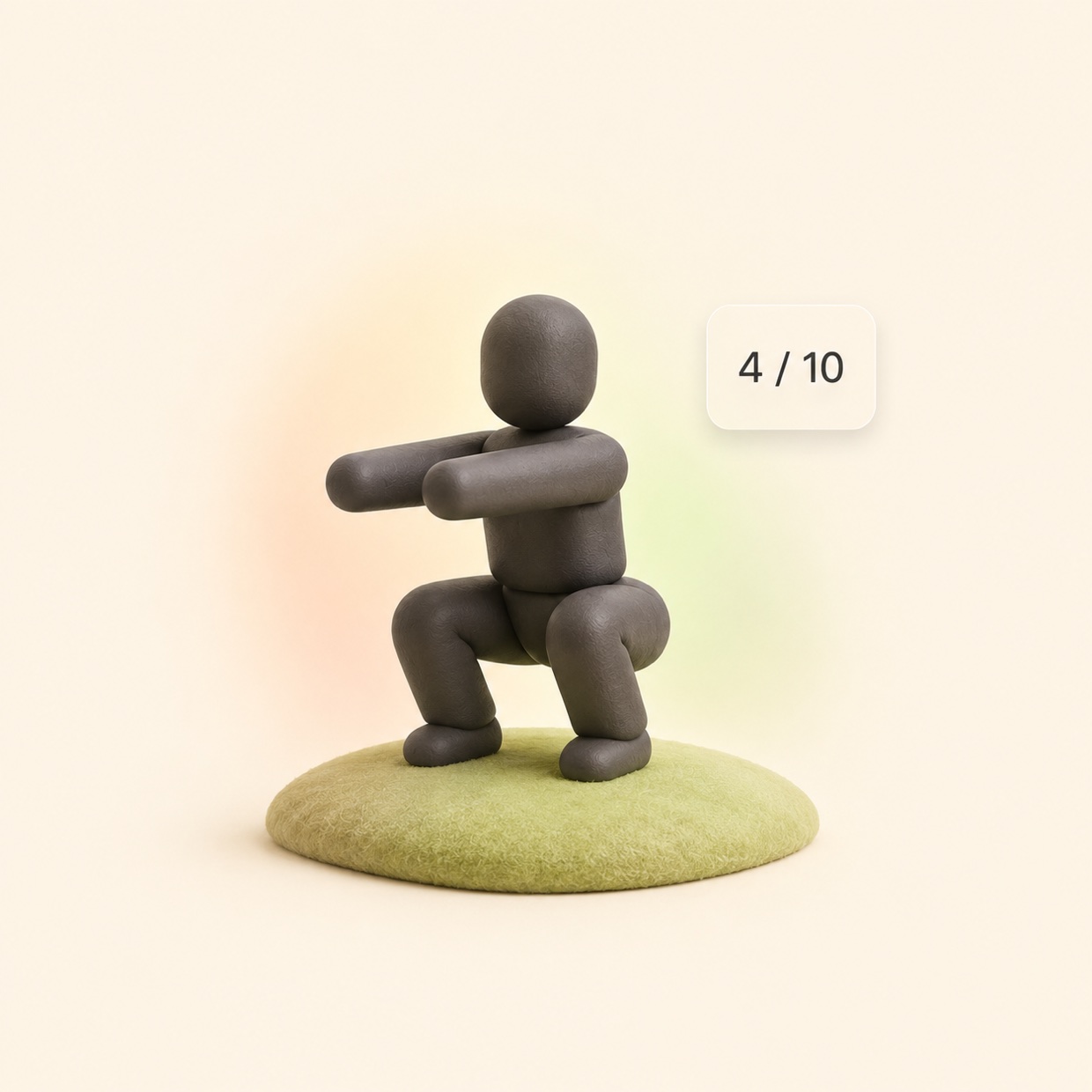
Ten squats, counted on your Mac.
Live · On-device
0/10
Squat down
Each counted rep clicks
✓
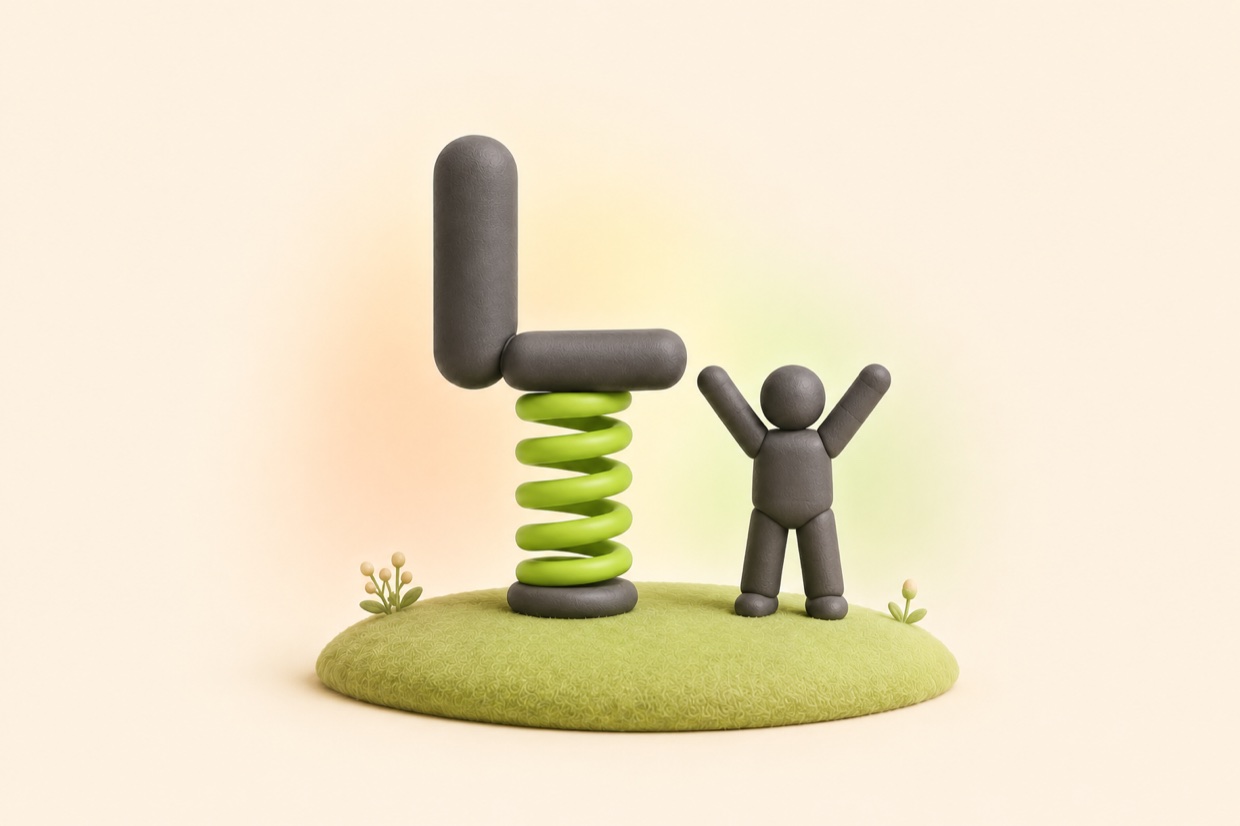
Done. Back to work.
Next break in 50:00. The countdown restarts automatically.
One complete break, start to finish
Hard to ignore
The full-screen break stays visible until you finish ten squats, complete a timed break, or use an exit.
Movement is counted live
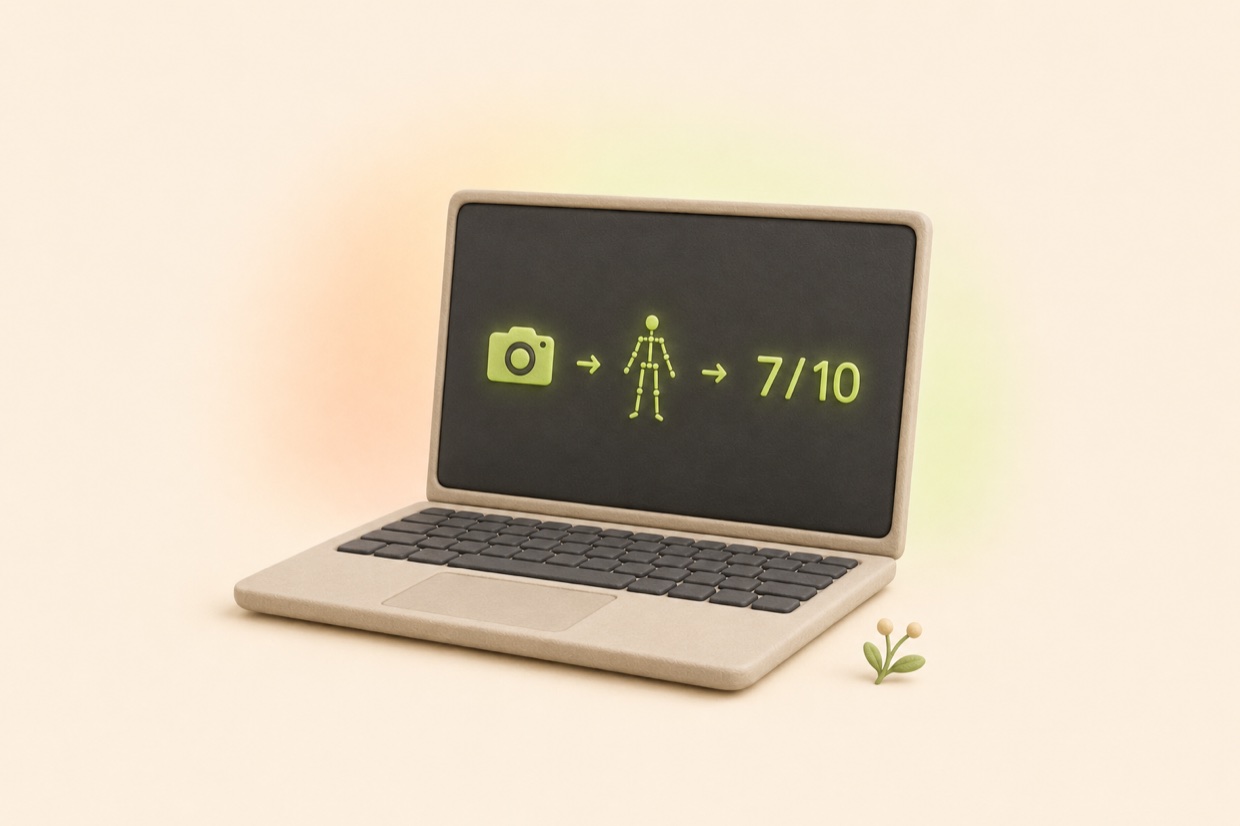
Apple Vision tracks your hips and knees through the camera. Half squats and bouncing do not count.
Camera data stays local
Frames become a rep count in memory on your Mac. They are not saved or uploaded.
A break screen you can read from across the room.
The count, the next instruction, and your camera framing stay visible while you move.
01The rep counter fills most of the screen.
02Prompts stay short: squat down, stand tall.
03Each counted rep makes a sound, so you can look away.
Product render
Based on the current Unsittable break screen
One break, start to finish
Fifty minutes of work, then ten squats.
01 · THE COUNTDOWN
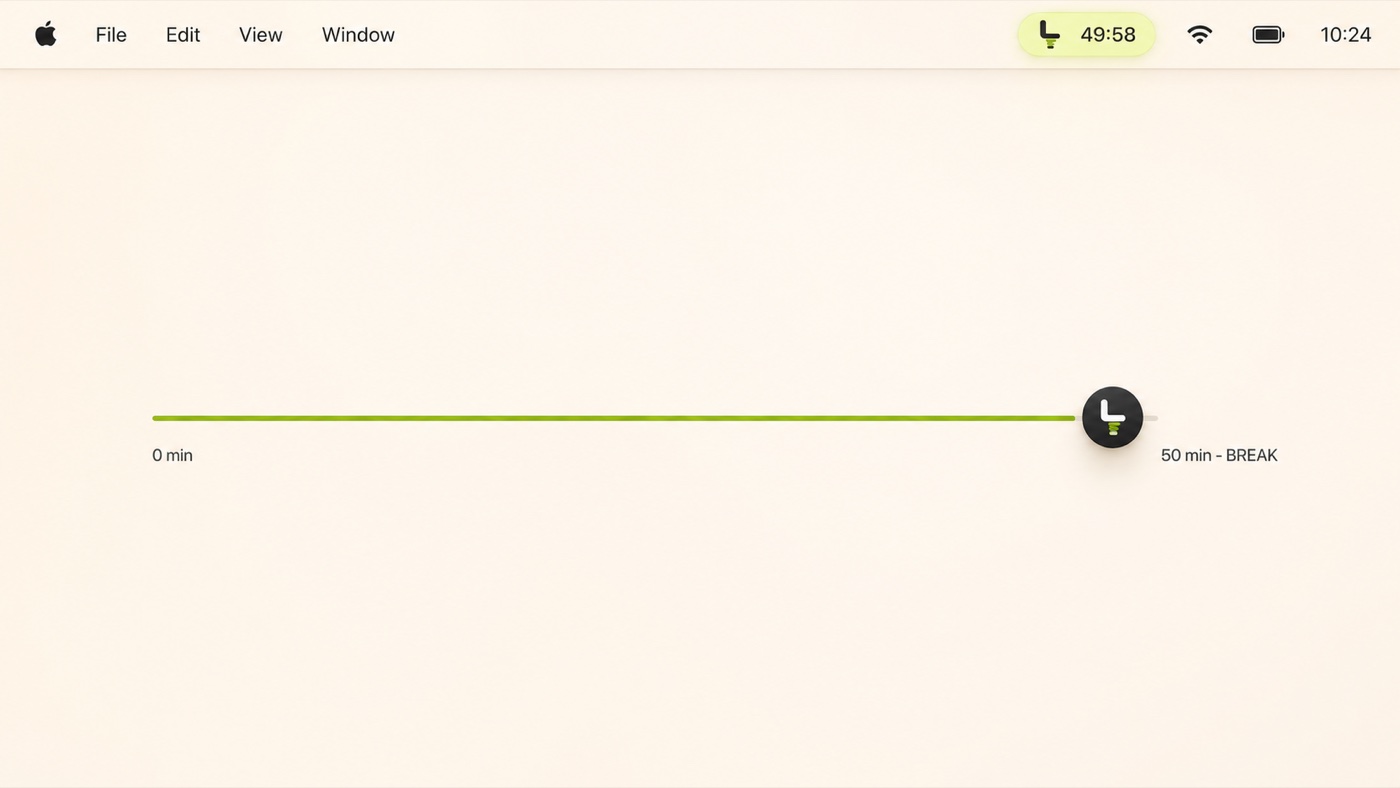
A timer in the menu bar.
Unsittable lives in the menu bar and counts down to your next break. Fifty minutes by default, adjustable in Settings.
You can pause breaks for an hour or until tomorrow. Once a break is due, it starts.
Menu bar · 49:58 to break
02 · THE MOVEMENT
Ten squats.
The camera opens and Apple Vision tracks your hips and knees. A rep counts when your hips drop low enough and come back up. Half squats and bouncing do not count.
Face the camera or stand side-on. If a rep does not count, the screen tells you why.
Hips below knees · rep 4 counted
03 · BACK TO WORK
The tenth rep, and your screen returns.
Your screen returns exactly where you left it. No summary, no streak, no share button.
The next countdown starts automatically.
Next break in 50:00
Pause the schedule when you need to.
You control when breaks are active, and camera problems never trap you.
Pause for one hourPause until tomorrowCamera busy: timed breakEvery break has an exit
Privacy
Everything stays on your Mac.
Camera frames go through Apple Vision on your Mac and become a rep count. They are never uploaded, written to disk, or used for training.
The app has no account, analytics, or telemetry. Network access is limited to license activation, manual validation, and optional update checks. Camera frames and movement data never leave your Mac.
An app that can lock you out because of a camera glitch is a bug, not discipline. Every break state has a way out.
Timed break
One button swaps squats for a plain countdown. It is available from every camera screen.
Hard time limit
Every break has a maximum length. When it passes, the overlay closes on its own.
Hold to escape
Hold the corner control for 2.5 seconds to end the break right away.
⇧⌘E anywhere
The keyboard exit works in every break state, even if the pointer is unavailable.
Questions
Common questions.
Does it record video? +
No. Camera frames are analyzed in memory by Apple Vision and discarded. Nothing is recorded or saved. Network access is limited to license activation, manual validation, and optional update checks, never camera data.
What happens if the camera fails? +
The break falls back to a plain timed countdown. Denied permission, a busy camera, or a frozen feed all lead to the timer rather than trapping you behind the overlay.
Can I use it during calls? +
If another app is using the camera when a break starts, Unsittable does not fight it. The break runs as a timed countdown instead. You can also pause breaks for an hour before an important call.
Do I have to face the camera? +
Facing the camera works best and is the recommended setup. Standing side-on is supported too: tracking locks onto your most visible leg and uses hip movement to count.
What if I cannot squat? +
Use the timed break. It is a full option, not a penalty. Lower-impact movements are planned but not in the app yet.
Your next break, on your legs.
Use Unsittable free for 3 days. After that a key costs $19 once and activates up to 3 Macs. No subscription and no account.

 Menu bar · 49:58 to break